Introduction
Quite unexpectedly, with the help of MakTsentr, I was lucky enough for a couple of days to test the CASIO Cassiopeia E-115 Pocket PC. This event coincided with the dispatch giving to my family, so I could at such short notice to do quite a lot:). This machine is based on a model CASIO Cassiopeia E-105 Palm size PC, and staffed the new operating system from Microsoft - Windows CE v.3.0 Professional Edition (previously mentioned codenamed Rapier). About CASIO Cassiopeia E-10x Palm size PC is already written quite a lot (see "A Tale of the ugly duckling"), so it makes sense to focus on the features of the new PDA.
Complete. Iron
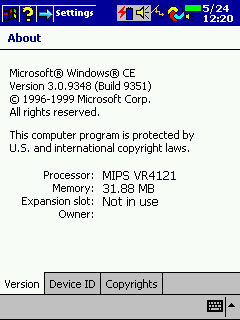
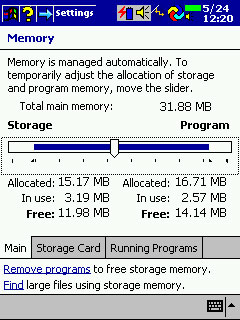
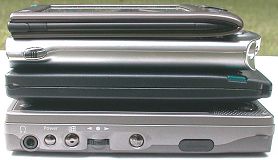
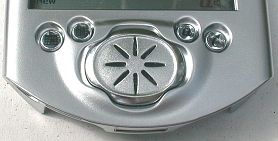
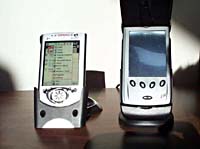
In the bright, colorful box are: self CASIO Cassiopeia E-115 Pocket PC, a cradle for synchronizing with a PC, power supply, spare battery Backup, software on CD ROM from CASIO (Button Assignment, Mobile Camera, Mobile Video Player, Mobile Video Converter, TDK-GlobalPulse, ZIO Golf Demo 3D), software on CD ROM from Microsoft (Active Sync 3.1, Windows Media Manager for Pocket PC, Microsoft Expedia Pocket Streets, Windows CE (Active Sync 3.1), Mobile Favorites Synch Provider, Notes Synch Provider, Transcriber, Outlook 2000, IE 5, the book format LIT), advertising, registration cards. New PDA made in the case E-10x, but differs from previous models in color. It is darker. Then, the Esc key now performs the function button Windows Start. E-115 has 32MB of RAM (as much as, and E-105) and 16 MB of ROM. Fixed annoying problem E-105, when the storage of programs it was impossible to allocate more 16MB. Now you can use the RAM in its sole discretion, and the OS can reconfigure the RAM when you need to free up resources for the implementation / storage programs. Speed work is impressive. At the same CPU NEC MIPS Vr4121 131 MHz, it works about half as fast! OS works fine! Machine is completely never freezes! Reset button had to use a lot less:)! The screen is the same bright and contrast. In my opinion, better than the built-in microphone. Recording on tape obtained very good, with no extraneous noise. In the ROM is written the following software: (Pocket Word, Pocket Excel, Pocket Outlook, Notes, Voice Recorder, Channel, Calculator, Active Sync, File Explorer, Pocket Internet Explorer, AvantoGo plug-in, Microsoft Reader with ClearType (Audible Support), Windows Media Player for Pocket PC, Mobile Calendar, Mobile Address Book, CF Backup, E-Mail Set-Up Tool).
Software
First of all operating systems.
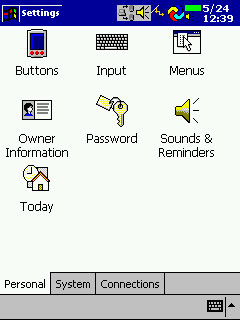
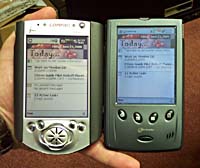
The new interface - it's not just cosmetic changes. By switching to 2d interface greatly increased speed. Rewritten many things. Actions are performed by one click! When you press and hold the stylus on a couple of seconds at the facility, the setting, a context menu. Setup generally bears little resemblance to the previous wording Windows CE!
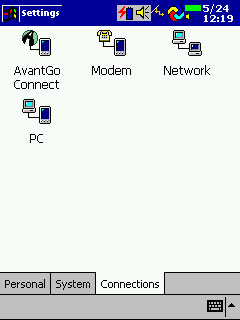
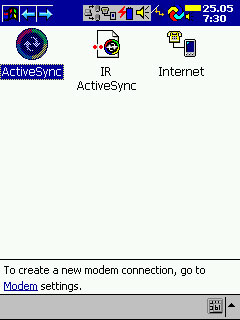
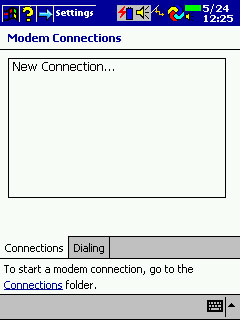
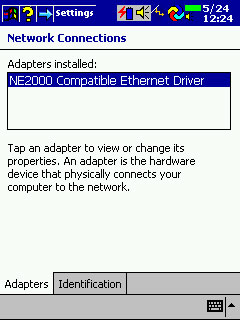
Significantly change your communications.By the way, now recorded in the ROM driver for the network card NE2000.
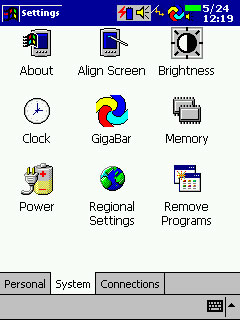
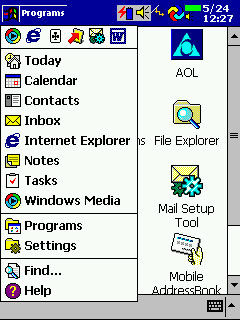
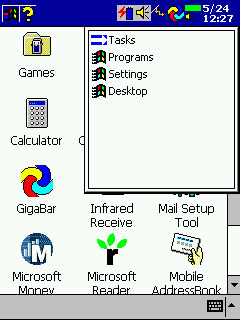
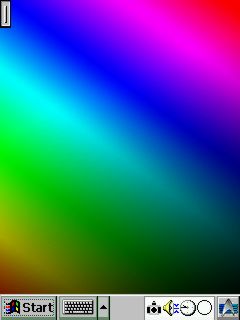
Application Management (switching between them, closing) is now transferred to the memory settings. Close button appears in all:)! The Start button has been moved to the upper left corner. When the program is a check box at the top of the Start and name of the current program. Taskbar where it had happened, and it can only be seen at work Today ("Today" is on a plan of programmers, the host from which you can see who came mails, tasks, etc.)..
Applications running all your bookmarks, settings and menu items are displayed below. In the lower right hand corner appears and the keyboard. At the top of the Start menu is up to six icons of applications running in lately. Therefore, switching between applications is somewhat alleviated. Closure is only through the memory settings.
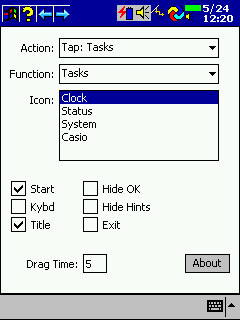
To facilitate this task, I used a Freeware program Gigabar. Configure the program - a single, great conversation, but chances ... something! On the screen appears at the top taskbar, which displays running applications can be displayed Task Tray. There can make icons, which can be programmed set of events: click, double click, a long click, click with the shift to the right (left) and so on. There are pre-programmed icons! Warning: Users of Windows NT and Windows 2000 must use version 1.01 (bug fixes installed on PDA).
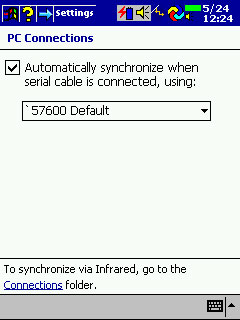
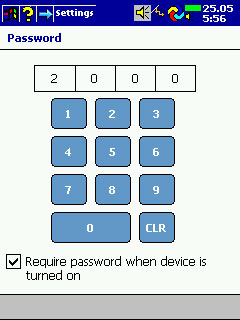
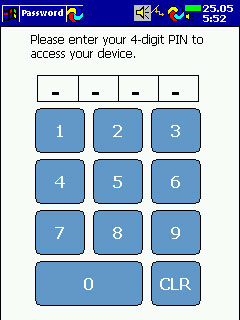
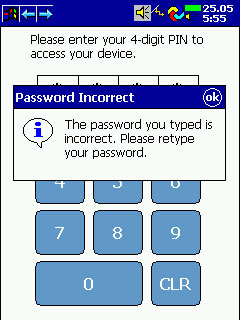
Changed utility Password. Now the CCP "locked" PIN code (as a card:)). And when you start PDA 4-digit code is typed on a special keypad.
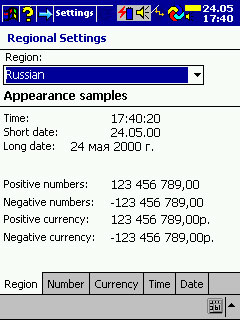
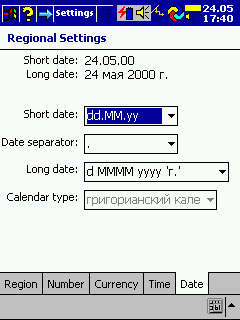
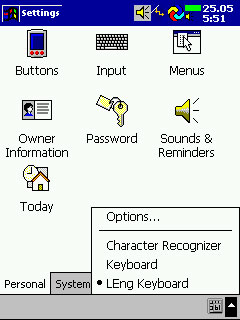
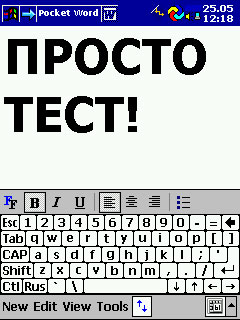
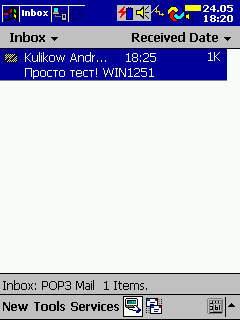
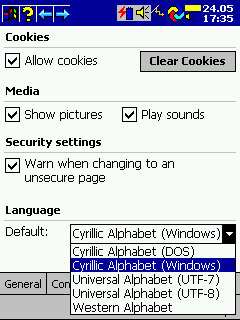
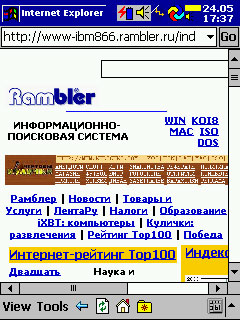
With former Russian language problems! Capitalists do not respect us! In plants of the region Russia NO! Fortunately, Paragon announced test LEng for Pocket PC and I had a crack LEng Lite v.4.01. In the Inbox supported codepage Win1251. In Pocket IE can view your page and Win1251 DOS866.
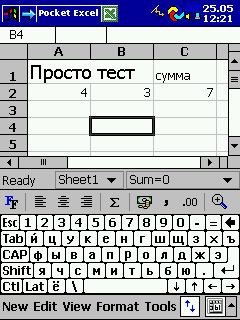
Built-in Pocket Word and Pocket Excel understands not only the pocket format, but documents prepared in MS Office 2000. Attached to the letters of Word and Excel files can be viewed and edited without conversion.
Inbox enough had changed in appearance, but the new features I discovered. LEng allows you to receive e-mail encoding WIN1251, but sending messages, there are some difficulties. The fact that the letters are sent only to the US-ASCII encoding! However, all this can in good conscience write off on an early beta LEng.
Pocket IE - a program which is severely lacking in the E-10x. Now you can surf the Internet and browse html documents without installing additional applications! True, animated gif files are not supported. As I mentioned with LEng may view Win1251 and DOS866 page.
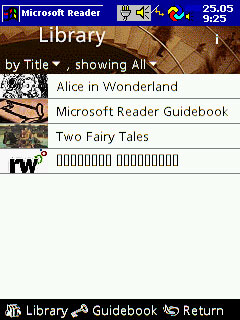
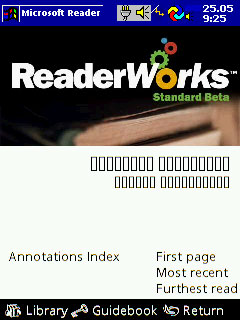
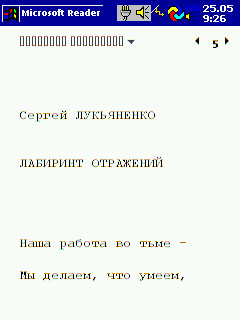
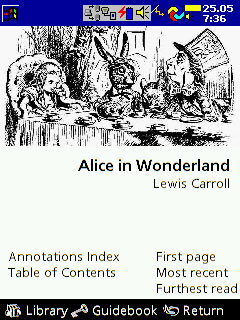
Pocket Reader - A new program that allows you to read documents and books in a specific format LIT. 29 books in this format (in English) is present on the CD ROM ActiveSync 3.1. Advanced English books can be downloaded from Barnes and Noble.com. In Russian of the books there, but you can do yourself, if we use ReaderWorks beta. It turns a normal e-book in Russian. The only problem with the title and author of the book when they are selected for reading. They do not want to appear in Russian! In the Pocket reader technology is applied ClearType, which allows you to get excellent quality of the text. Advanced Pocket Reader supports books in a format Audible.
 |
 |
 |
 |
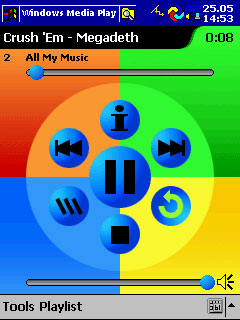
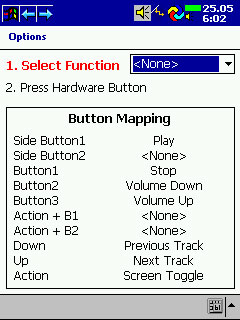
MS Media Player is now written into the ROM. The program is very much updated. Now there are no pauses in the song selection from the list. You can disable the screen to save battery life. Cassiopeia keys can be reprogrammed in its sole discretion to perform various actions (increase / decrease volume, next song, off the screen, etc.)..
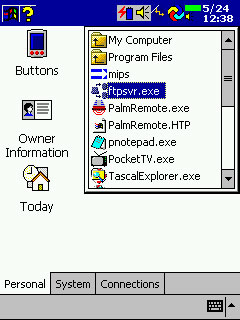
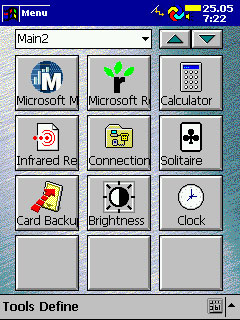
To work with files Pocket PC got a File Explorer.Unfortunately, this single window browser, but the basic steps you can do with files (starting programs, copying, deleting, renaming files). Updated software CASIO Menu. Now you can have multiple pages with icons to launch programs.
Conclusion
Rapier OS and Pocket PC - the next evolutionary step of Windows CE. An excellent set of programs, excellent performance and reliability - these components of success! Moreover, remains compatible with "old" applications PsPC (all of the programs described in the article "A Tale of the ugly duckling" work fine). The only "flaw" - "old" hardware (not USB). I'm beginning to think seriously about buying a Pocket PC ... CASIO Cassiopeia E-115 Pocket PC has been granted by MakTsentr. The authors, translation: